Photo collage maker
Pick 2 to 5 photos, choose a clean layout, adjust spacing, and save a polished collage to your Camera Roll.
Explore collagesFramio helps you create photo collages, convert HEIC to JPG or PNG, and batch convert images on your iPhone. Everything runs on-device, so your photos stay private.
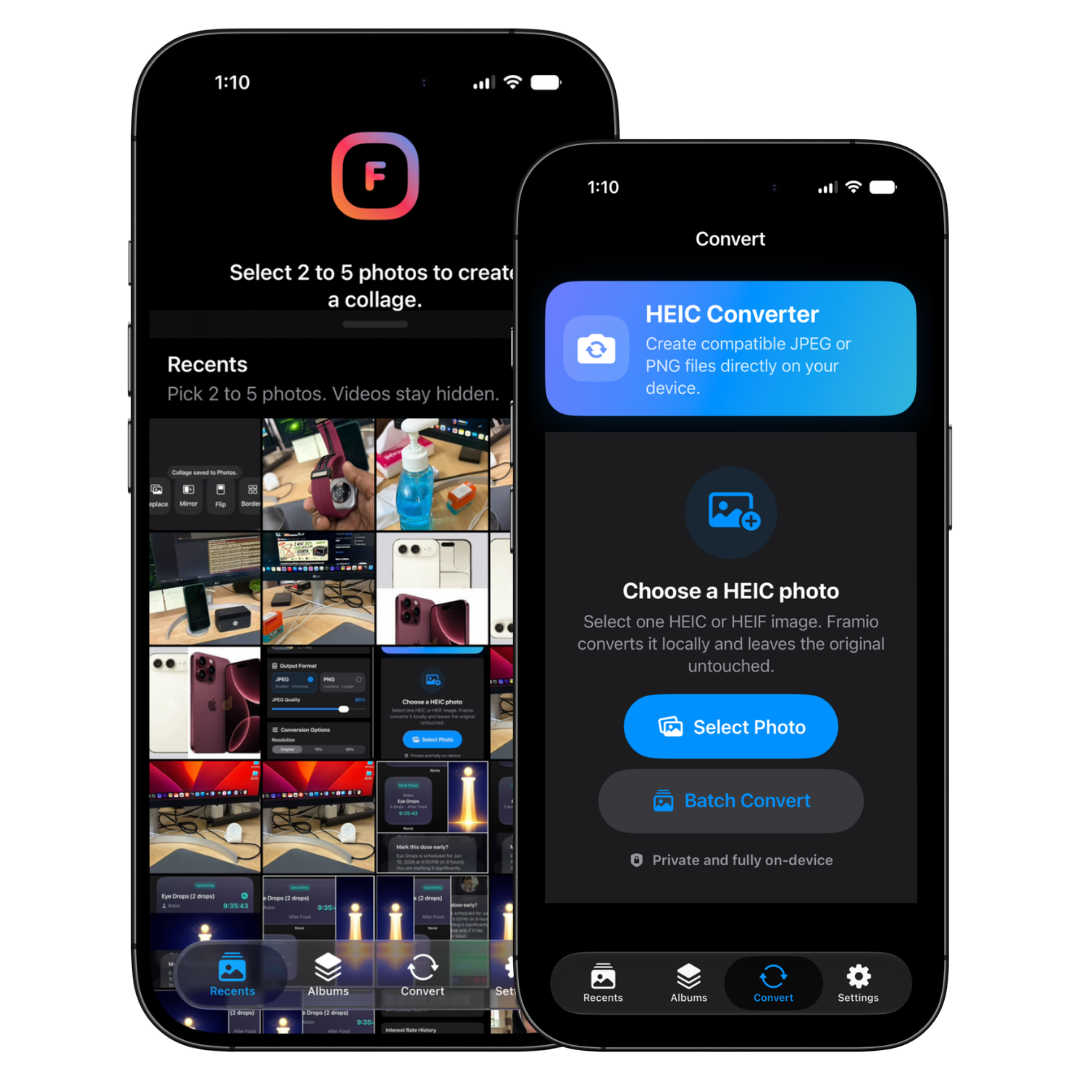
Create, convert, export, and share without sending photos to a server.
Pick 2 to 5 photos, choose a clean layout, adjust spacing, and save a polished collage to your Camera Roll.
Explore collagesConvert iPhone HEIC photos to JPG when you need broad compatibility with websites, forms, email, or non-Apple devices.
Convert HEIC to JPGExport HEIC photos as PNG when you want a widely supported format that keeps image quality high.
Convert HEIC to PNGHEIC is efficient, but it is not accepted everywhere. Framio converts selected HEIC photos to JPG locally on your iPhone, ready for upload, email, printing, and sharing.
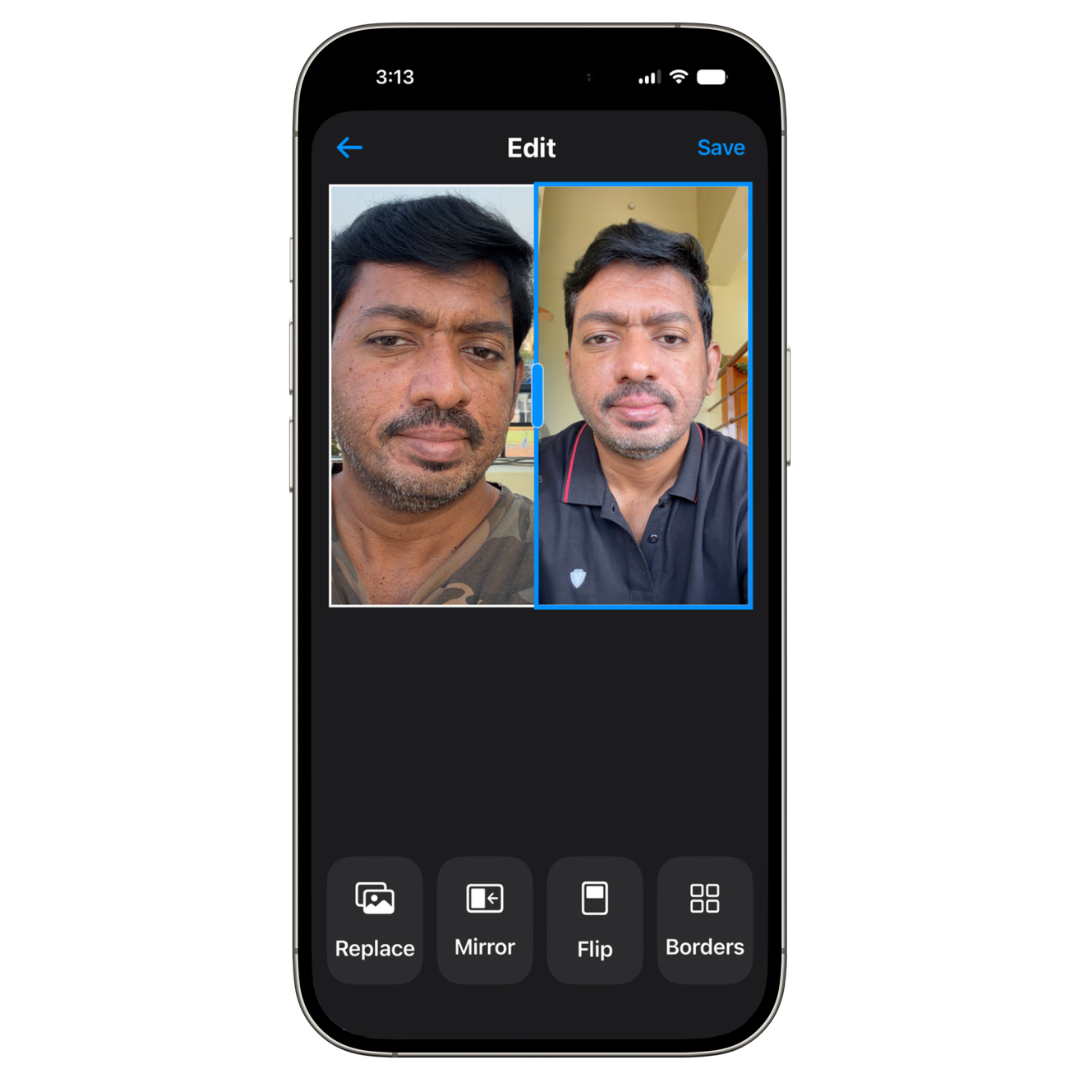
Framio gives you simple collage layouts for memories, product shots, before-and-after photos, social posts, and quick visual stories.
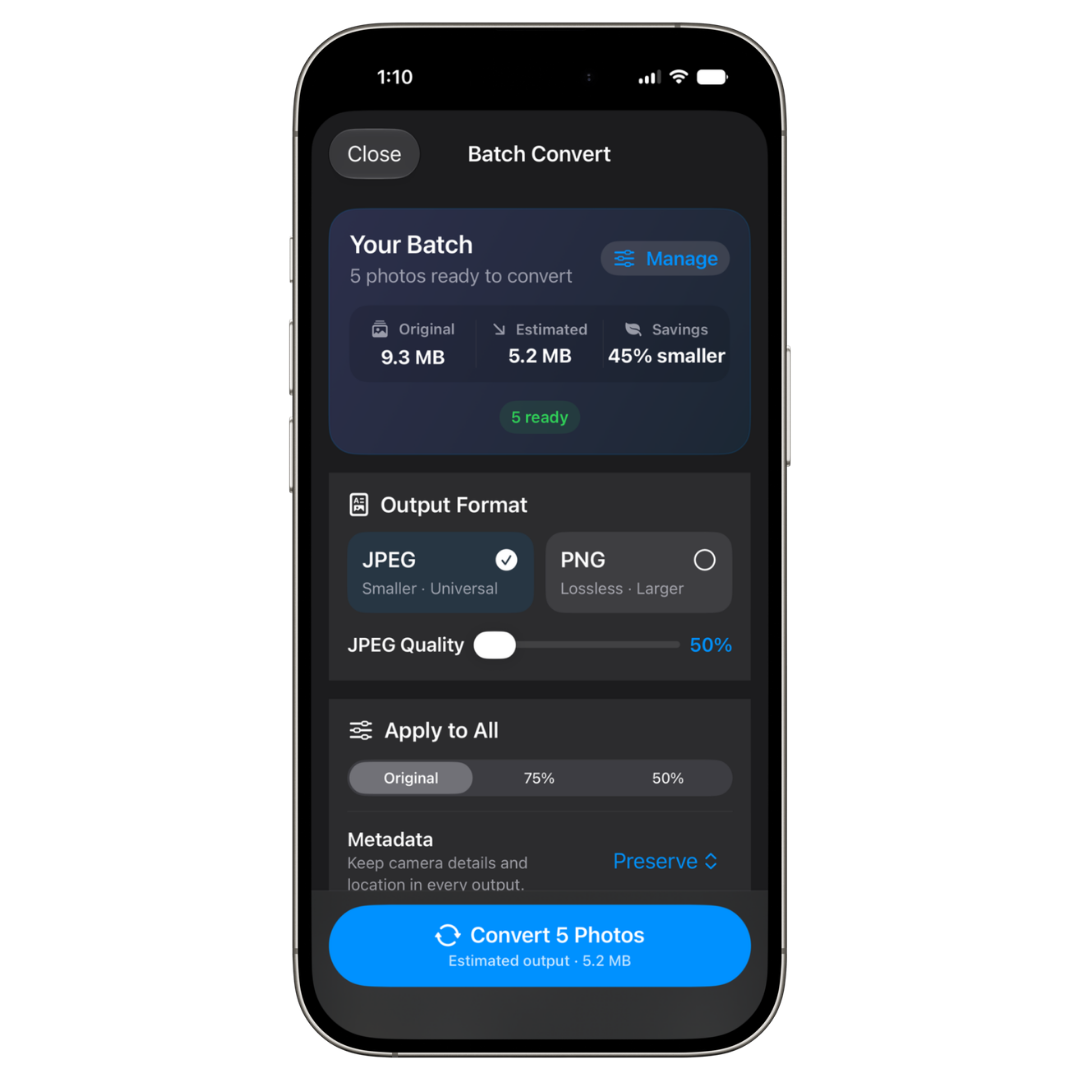
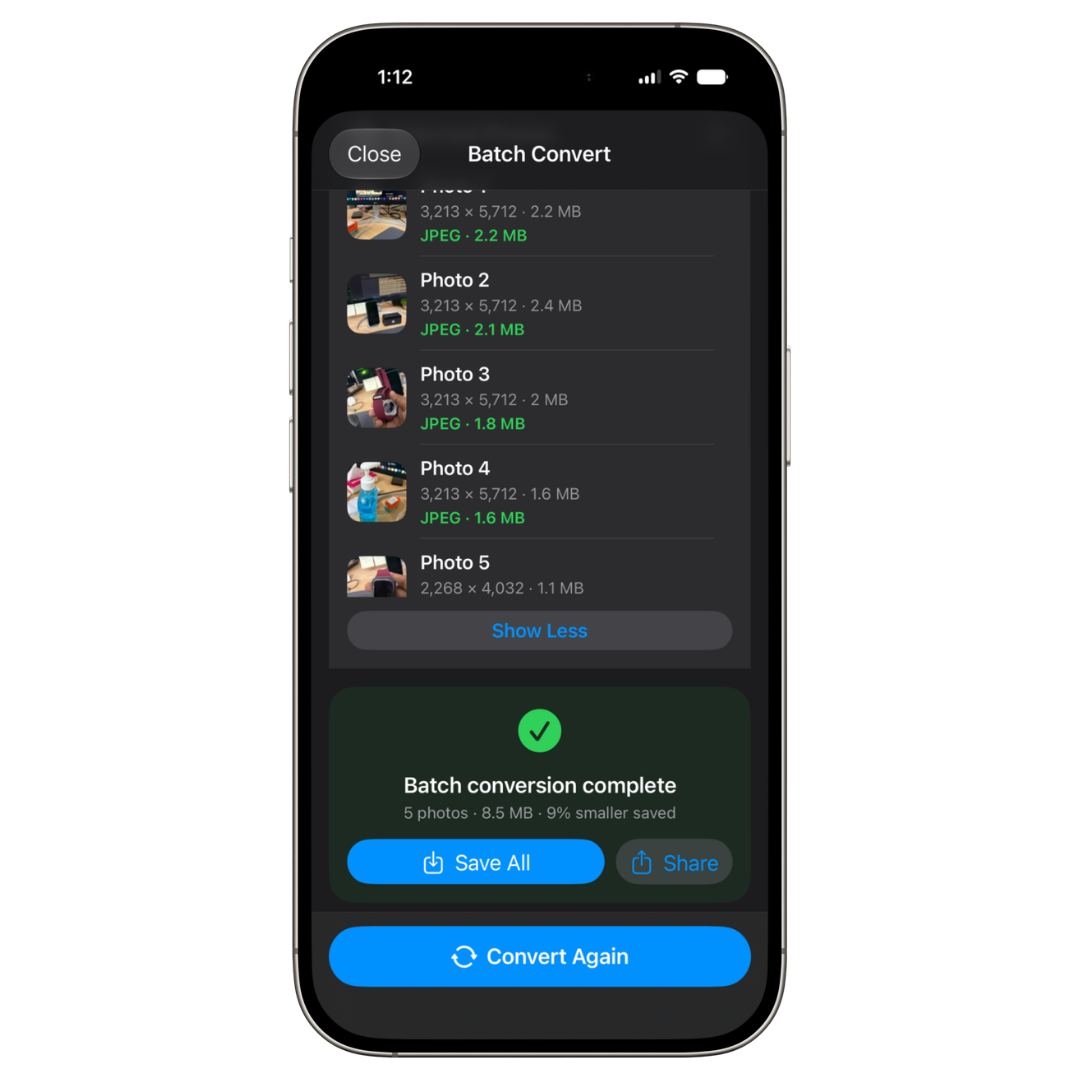
Select a group of HEIC images, choose JPG or PNG, review conversion settings, and export the results from one focused flow.
Framio is built around on-device processing for collage creation and image conversion.
Framio does not need to upload your selected photos to create collages or convert HEIC images.
The app works with the photos you select for a specific collage or conversion task.
Save finished collages and converted images to your Camera Roll, or share them from your iPhone.
Open Framio, pick your photos, then save or share the result.
Start with Collage, Convert Photo, or Batch Convert from the app.
Select the images you want to arrange or convert.
Save to Camera Roll or share the finished collage or converted image.
Learn why iPhones save photos as HEIC and when you may need JPG or PNG instead.
Read guideUnderstand when to choose JPG for sharing and PNG for high-quality exports.
Compare formatsA simple guide to changing iPhone HEIC photos into common image formats.
Learn howYes. Framio converts selected HEIC photos to JPG directly on your iPhone.
Yes. You can export selected HEIC photos as PNG files when that format fits your use case better.
No. Collage creation and image conversion happen on-device.
Framio is built for iPhone and is available from the App Store.

Download Framio free from the App Store.
Download on theApp Store